
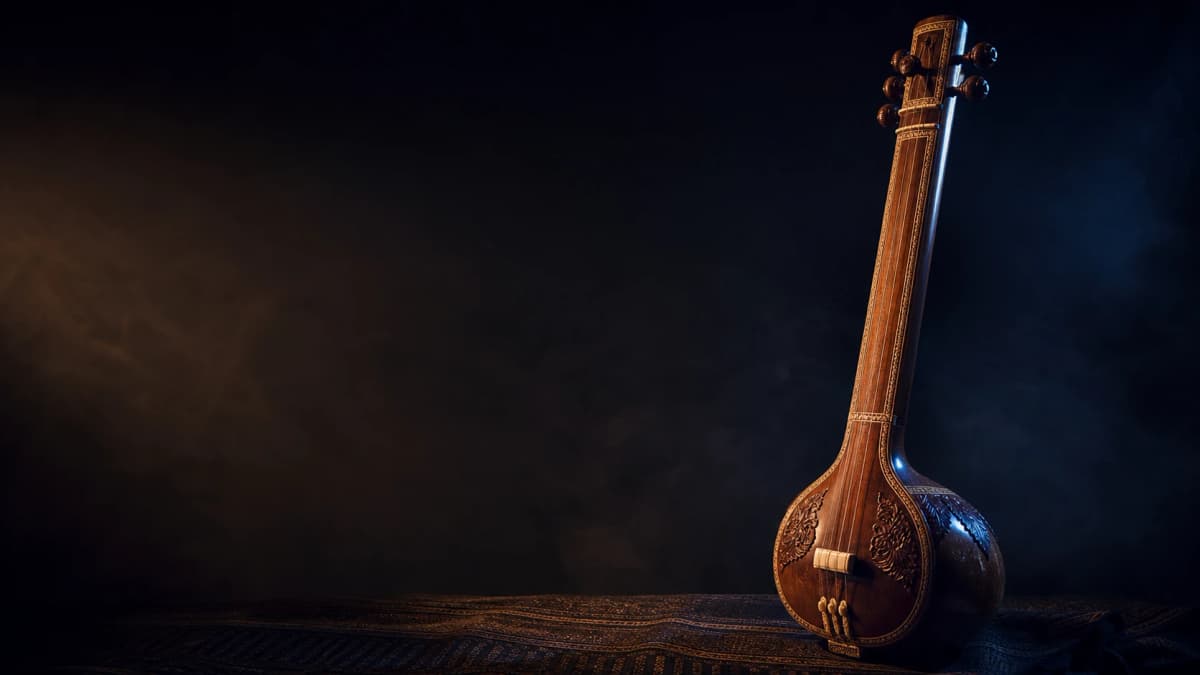
Free Online Tanpura & Shruti Box
Choose your Sa, play a recorded Pa–Sa Tanpura drone, and check each Sargam note as you practise.
Tanpura and microphone are stopped.
Any comfortable Sa works—none is fixed for your gender or voice type.
Sargam · Sa = C♯
Take Sargam and Tanpura into your full practice
Explore the complete Singers AI mobile experience with the connected Vocal Tuner and practice tools.
Explore Sargam & TanpuraStart your riyaz in three steps
Use only the drone, or add Sargam feedback when you want to check your sur.
- 01
Choose your Sa
Pick a comfortable root from C through B. Your selection is remembered on this device.
- 02
Play the Tanpura
Start the matching recorded Pa–Sa drone. The microphone stays off until you press Start listening.
- 03
Check your Sargam
Press Start listening to see each swara on a pitch line or meter, with cents and flat, in-tune or sharp guidance.
Movable Sa
Your selected Sa leads every Sargam label.
If you choose D♯ as Sa, singing D♯ appears as Sa. The meter stays Sargam-first, so the result follows the way Indian singers practise rather than leading with Western note names.
Explore the full Sargam & Tanpura experienceUse headphones with the meter
Speaker playback can enter the microphone and make the meter follow the Tanpura instead of your voice. Wired or Bluetooth headphones give the clearest combined setup.
Private microphone processing
The microphone starts only after you press Start listening. Its audio is processed on your device and is not recorded, uploaded, stored or transcribed.
Take Sargam and Tanpura into your daily practice
Use the complete Singers AI mobile experience with the connected Vocal Tuner, Tanpura and practice tools.


Online Tanpura questions
Is this an online Tanpura or a Shruti Box?
It serves the same immediate practice job: choose your Sa and play a steady recorded Pa–Sa drone. Singers AI keeps both search intents on this one complete tool.
Which Sa should I choose?
Choose a note you can sustain comfortably without forcing your voice. The tool does not assign an ideal Sa or apply gender rules.
Can I run the Tanpura and meter together?
Yes. Headphones are strongly recommended because speaker sound may enter the microphone and make the meter follow the drone.
Why does the meter show Sargam instead of Western notes?
The live result is relative to your chosen Sa. If D♯ is your Sa, D♯ is displayed as Sa; the Western name remains visible in the Sa selector.
Is my voice recorded or uploaded?
No. Microphone analysis stays in the browser. Singers AI does not record, upload, store or transcribe your voice.
Does the meter rate my singing?
No. It estimates the nearest pitch and shows cents with flat, in-tune or sharp guidance. It does not judge talent, vocal health or improvement.
More free singing tools
Each one runs in your browser. No signup needed.
- Vocal Range TestFind your repeatable lowest and highest notes and see the span between them.Check my vocal range
- Pitch DetectorSee the note and octave you are singing, plus whether your pitch is sharp or flat.Identify my note
- Singing Pitch TestHear a reference note, sing it back, and see how closely you matched the pitch.Practise pitch matching
- Vocal Warm-UpFollow a five-minute piano-led warm-up that adapts higher or lower to your comfortable starting note.Start a vocal warm-up