Practise with a backing track
Remove the original vocal and sing over the instrumental.
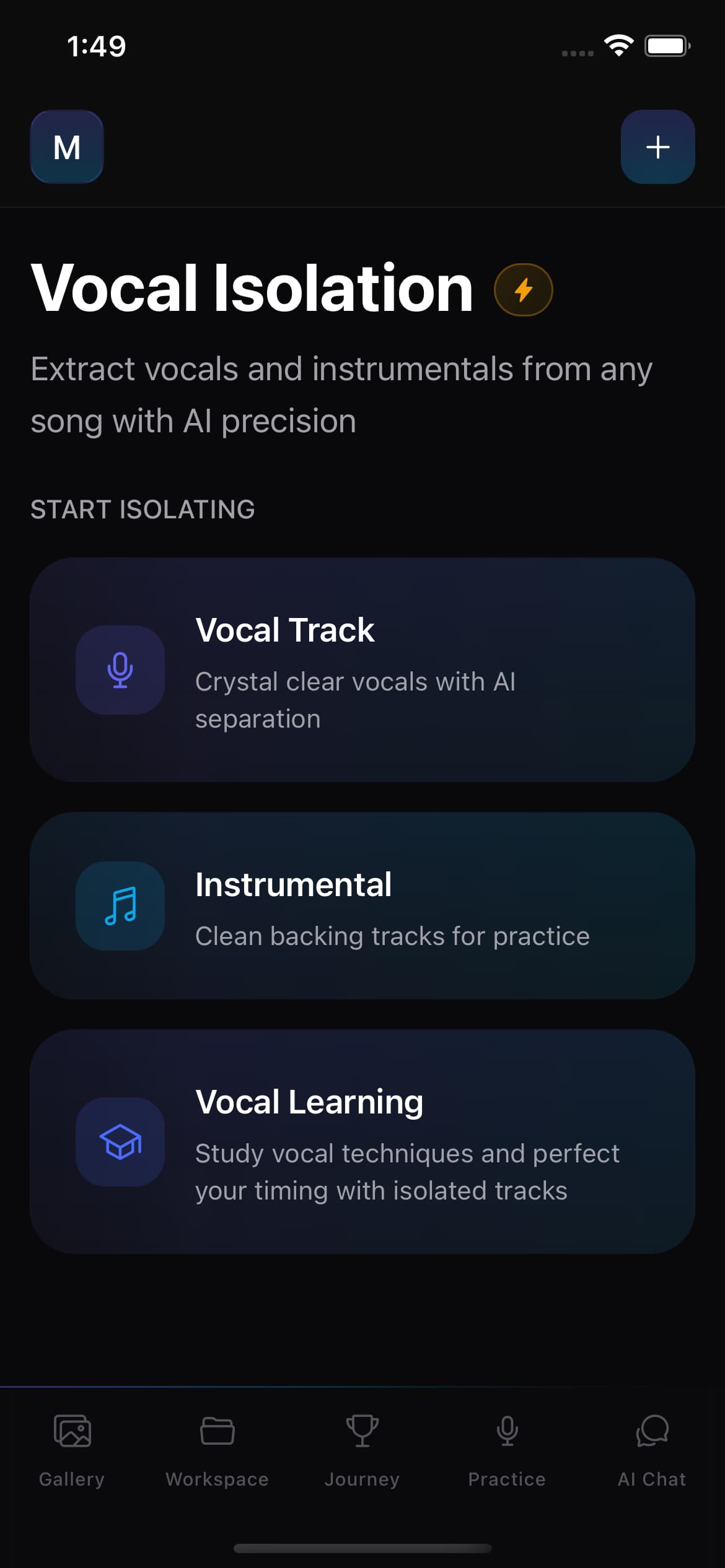
Upload a song and use AI to separate vocal and instrumental tracks. Preview, download, or share both results for backing-track practice and vocal study.
Upload any audio
Pick from your device
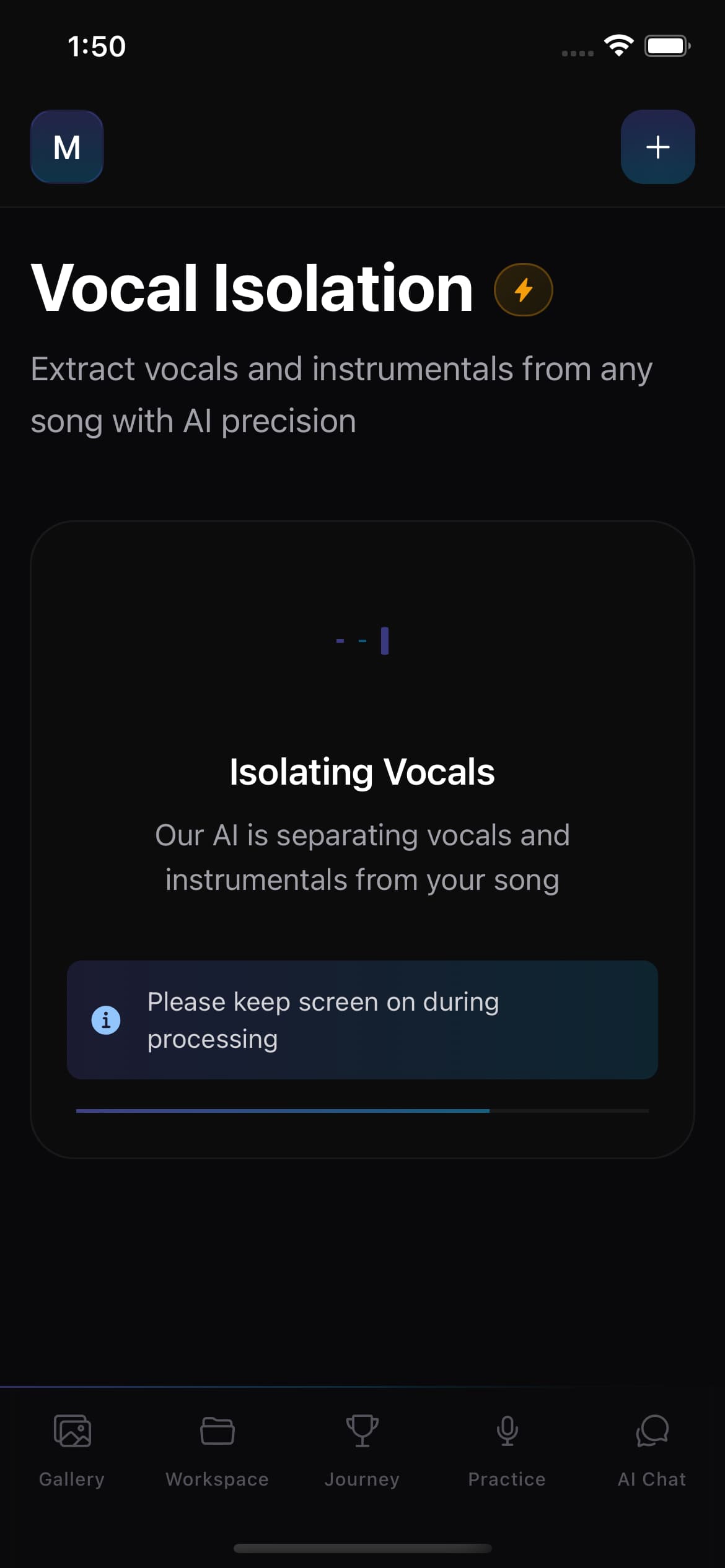
AI separation
Vocals + instrumental
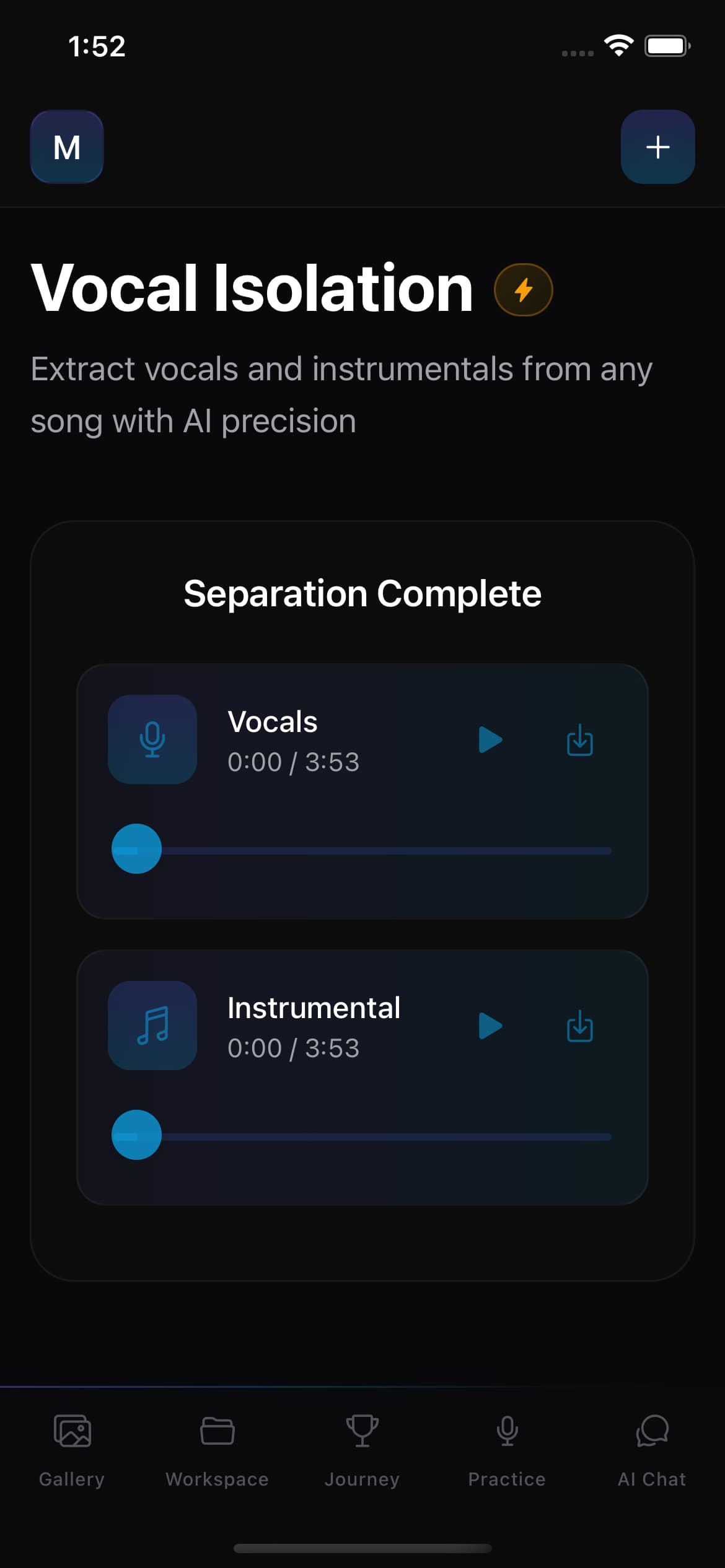
In-app playback
Preview both tracks
Download or share
Save MP3 or send onward
The AI vocal remover sits inside the Singers AI practice workflow. Use it when an instrumental backing track or an isolated vocal would help you study a specific song, then continue practising with the connected singer tools.
Pick an audio file from your device. It uploads securely for processing.
The vocal and instrumental parts are extracted as two separate audio files.
Preview both tracks in the app, download them, or share to another app.
Sing against the instrumental backing, or study the isolated vocal to learn phrasing.
Completing a vocal isolation earns journey XP, so it contributes to your practice streak alongside tuning and challenges.
Remove the original vocal and sing over the instrumental.
Hear the singer’s phrasing, breath, and timing without the mix.
Play both tracks in the app before downloading anything.
Save the MP3 to your device or share it to another app.
Vocal isolation is a supporting tool, not the core of Singers AI. Here is what to expect so you can decide when to use it.
Separation runs on a remote server, typically 30–60 seconds. A timeout guard stops the job after 45 minutes.
Vocal isolation has a free usage limit. When it is exhausted, the app guides you to the pricing page.
Results depend on the original recording. Complex mixes may not separate as cleanly as simpler arrangements.
Only upload audio you have the right to use. The app does not download or scrape songs for you.
Know what the AI vocal remover produces, how singers can use it, and where separation quality may vary.
An AI vocal remover separates a mixed song into a vocal track and an instrumental track. Singers AI lets you upload audio, process it remotely, preview both results, and then download or share them.
Singers AI currently creates two results: an isolated vocal and an instrumental backing track. It does not currently promise separate drum, bass, guitar, piano, or other instrument stems.
Sing over the instrumental as a backing track, or listen to the isolated vocal to study phrasing, breath, timing, and delivery. You can preview either result before downloading it.
No. Results depend on the source recording, and complex mixes may leave audible artifacts or bleed between tracks. Only upload audio you have the right to use, and listen to both results before relying on them.
Upload a song, let AI split it into vocals and instrumentals, and use the result inside your practice workflow.