Singing flat
The previous note lights up with a left arrow. Your pitch is below the target — push it up.
Sing into your phone and use the live pitch detector to see your chromatic note, octave, frequency, and cents offset. Hear a reference piano note, match it, and use the drift arrows to move into the green zone.
Try the free online Pitch Detector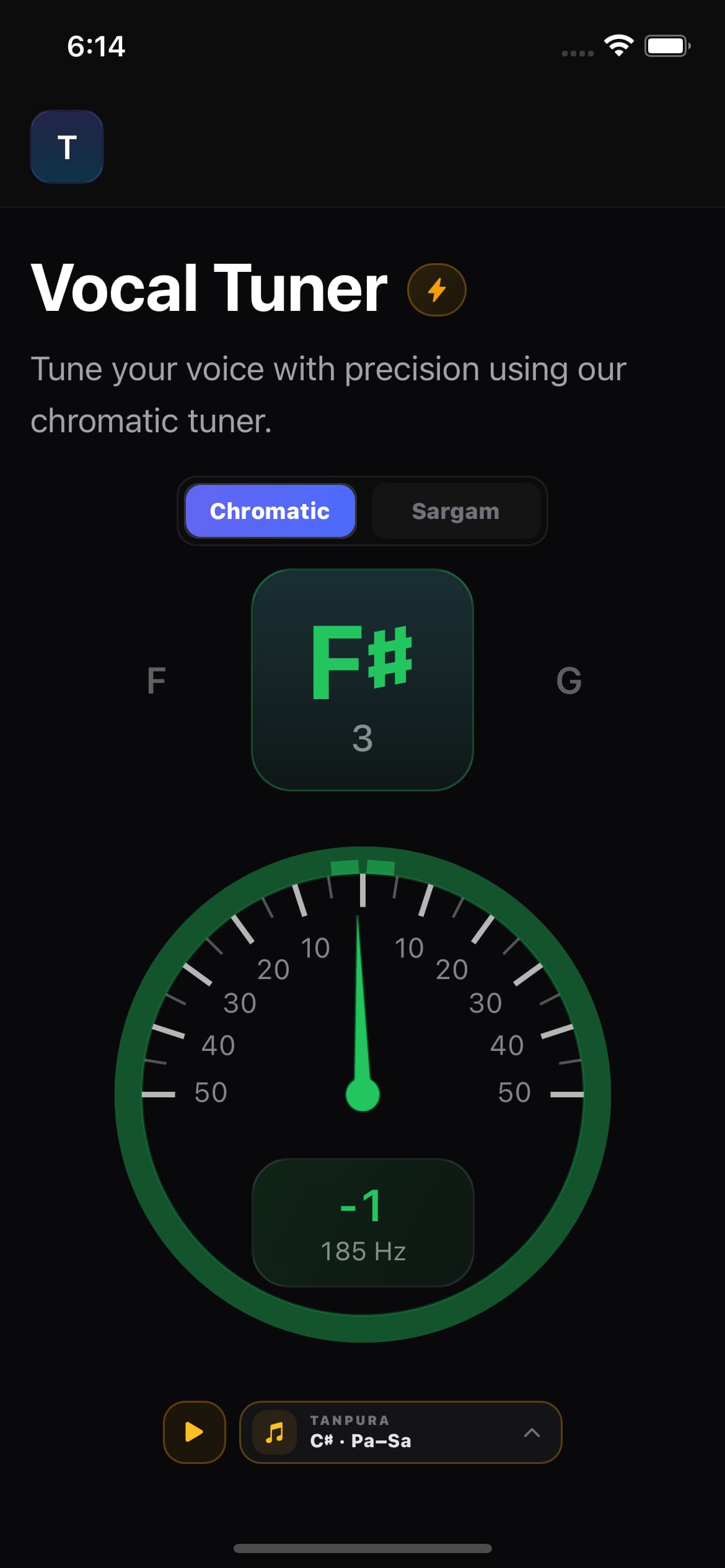
±50 cent meter
Marks every 10 cents
Real-time detection
Live note + cents update
Green in-tune zone
Sticky ±5 cent window
Sing or hum
Any pitch, any octave
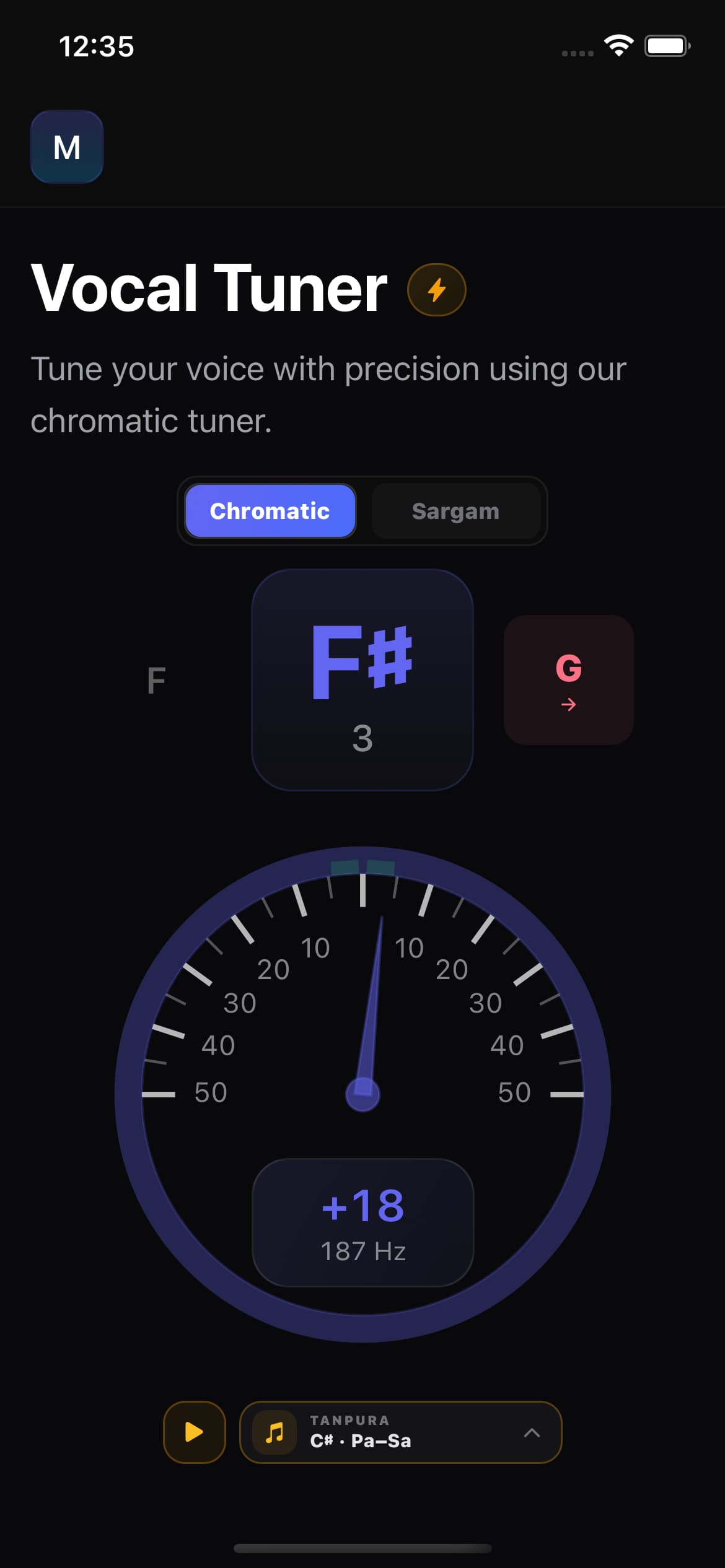
The meter spans ±50 cents with marks every 10 cents. The needle animates smoothly as you sing, and the indicator card shows the signed cents offset and frequency in Hz below the dial.
The tuner picks up your voice through the microphone in real time.
See the chromatic note name and octave you are singing right now.
The needle and signed cents number show how sharp or flat you are.
Choose a piano note from A2 to C5, play it, and match the pitch.
The green in-tune zone uses hysteresis: it turns green within ±5 cents and stays green until you drift past ±8 cents, so the colour does not flicker while you hold a note.
When you hold a note out of tune, the adjacent note lights up with an arrow pointing flat or sharp. It appears after a fraction of a second of sustained drift and clears the moment you are back in tune.
The previous note lights up with a left arrow. Your pitch is below the target — push it up.
The next note lights up with a right arrow. Your pitch is above the target — bring it down.
The tuner uses the 12-note chromatic scale with A4 at 440 Hz. Sharps are shown with the ♯ symbol. Every detected pitch is named with its note and octave.
C
Semitone 0
C♯
Semitone +1
D
Semitone +2
D♯
Semitone +3
E
Semitone +4
F
Semitone +5
F♯
Semitone +6
G
Semitone +7
G♯
Semitone +8
A
Semitone +9
A♯
Semitone +10
B
Semitone +11
Prefer Indian swaras? Switch to Sargam mode with one tap — the meter keeps running.
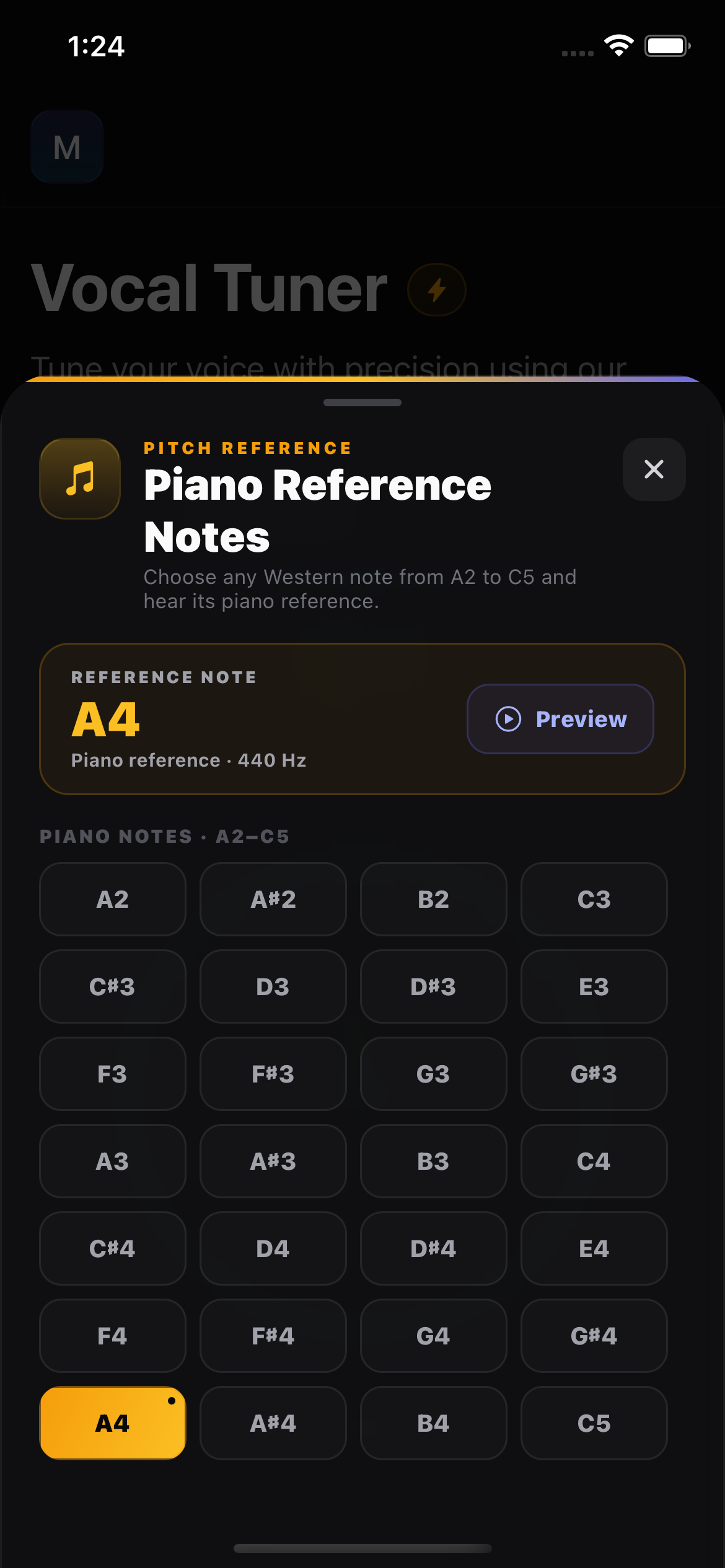
Open the piano reference drawer, choose any Western note from A2 through C5, and preview it before you sing. Your selected note stays ready on the tuner so you can replay it while practising the same pitch.
Real piano notes from A2 through C5 for natural reference pitch.
Choose naturals or sharps across the complete bundled A2–C5 range.
Play the reference, listen, then sing the same pitch and check the cents.
The tuner pauses while the tone plays so the mic never hears it.
The tuner keeps the screen awake, rejects noisy frames, and connects to the rest of your practice workflow.
The tuner prevents your screen from dimming during a practice session.
Low-confidence and low-volume frames are filtered out before the needle moves.
A 60-second sustained tuning session earns journey XP to track your practice.
See the pitch you are producing, compare it with a reference note, and make the correction with your own voice.
A vocal tuner app listens through your microphone and identifies the pitch you are singing. Singers AI shows the chromatic note, octave, frequency in hertz, and signed cents offset on a live meter.
The needle moves across a ±50-cent meter while you sing. A negative cents reading means you are flat, a positive reading means you are sharp, and the green zone shows when you are close to the detected note.
Yes. Open the piano reference drawer, choose any bundled Western note from A2 through C5, play it, and then sing the same pitch while watching the live cents feedback.
No. Singers AI detects and displays your pitch for practice; it does not apply auto-tune or modify your voice. Use the reference tone, cents meter, and drift arrows to make the correction yourself.
Pitch detection is a practice aid. Background noise, microphone placement, and room acoustics can all affect the reading. Use headphones when you practise with the Tanpura drone so it stays out of the microphone, and treat the cents number as a guide while you build accuracy over time.
Practical ways to use the tuner to test yourself and build real pitch accuracy over time.
Find the note that is drifting, hear the target on a piano, and use the meter to bring it closer.
Why your ear alone can't reliably tell you, and the quick meter-based check to use instead.
Measure your lowest and highest clean notes, then use that span when you test different song keys.
Sing into your browser to find your lowest and highest note in seconds.
Start from a comfortable note with a short piano-led routine, then return here to check your pitch.
Switch to Indian swaras with a movable Sa and a Tanpura drone.
Adjust a song to your vocal range, then check your pitch against it.
Keep the key and scale of a song before you start tuning.
Sing into a chromatic tuner with cents-level feedback, a reference tone, and drift arrows that show you which way to go.